
Production and materials
Set material recipes, receive purchases, record production, consume materials and add finished goods with weighted average costs.
Manage multiple water factories, materials, production recipes, inventory, sales and internal accounts.
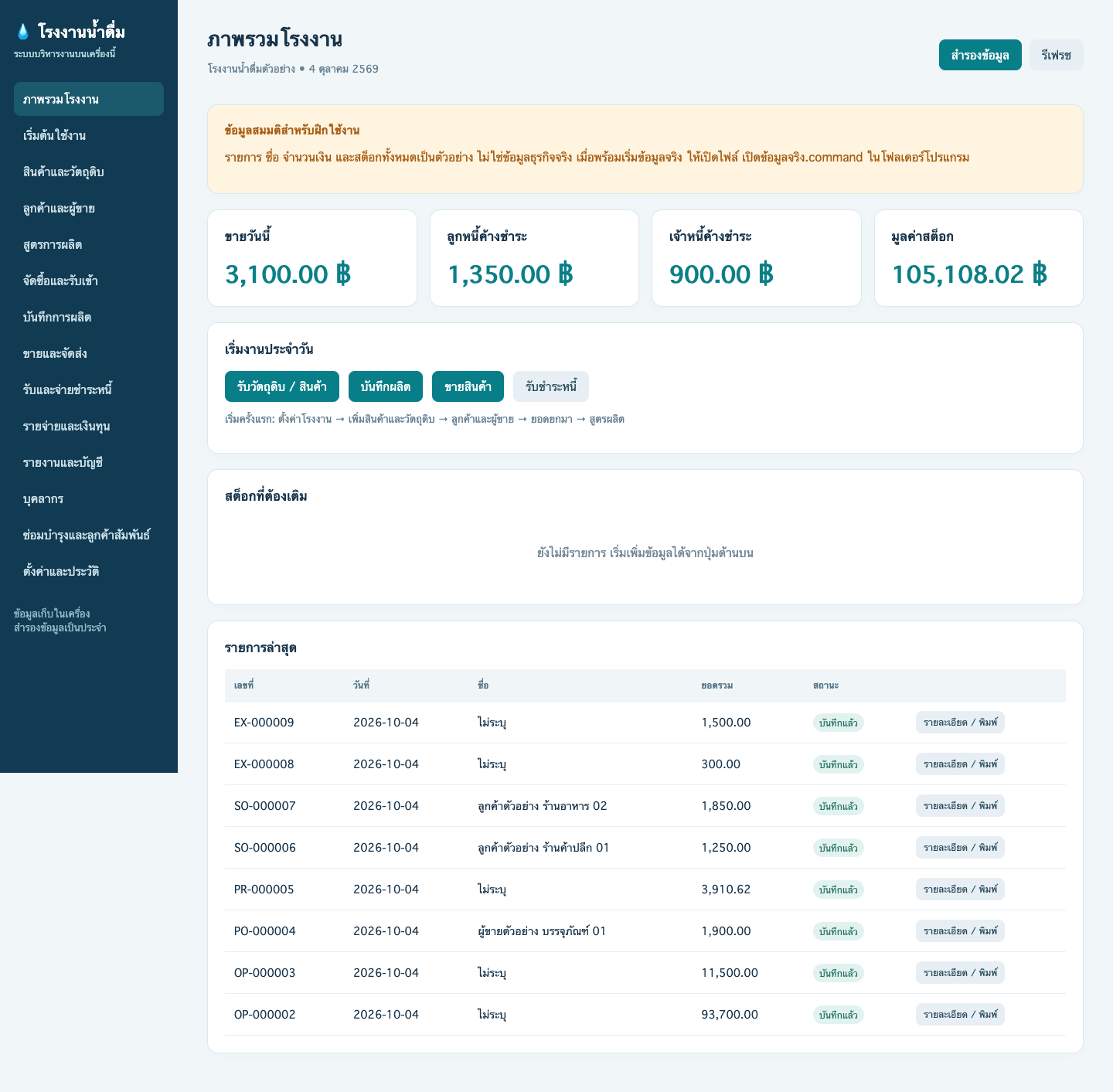 Actual screen with fictional demo data
Enter your own business details and add factories. Each factory has separate items, customers, stock, documents and accounts.
Set material recipes, receive purchases, record production, consume materials and add finished goods with weighted average costs.
Record cash or credit sales, partial payments and outstanding balances; print delivery notes, receipts and billing statements.
Review stock movements, sales and internal accounts; maintain personnel records, maintenance tasks and database backups.
No separate Python installation is required. Use your regular browser and keep the whole application folder together. Close the app before renaming or moving the folder; do not move only the executable.
Test version 1.2.1: core workflows checked on Mac; actual Windows execution is not yet verified. Demo data is fictional. Internal accounts exclude VAT; payroll calculation, remote access and cloud services are not included.
Download Windows test package