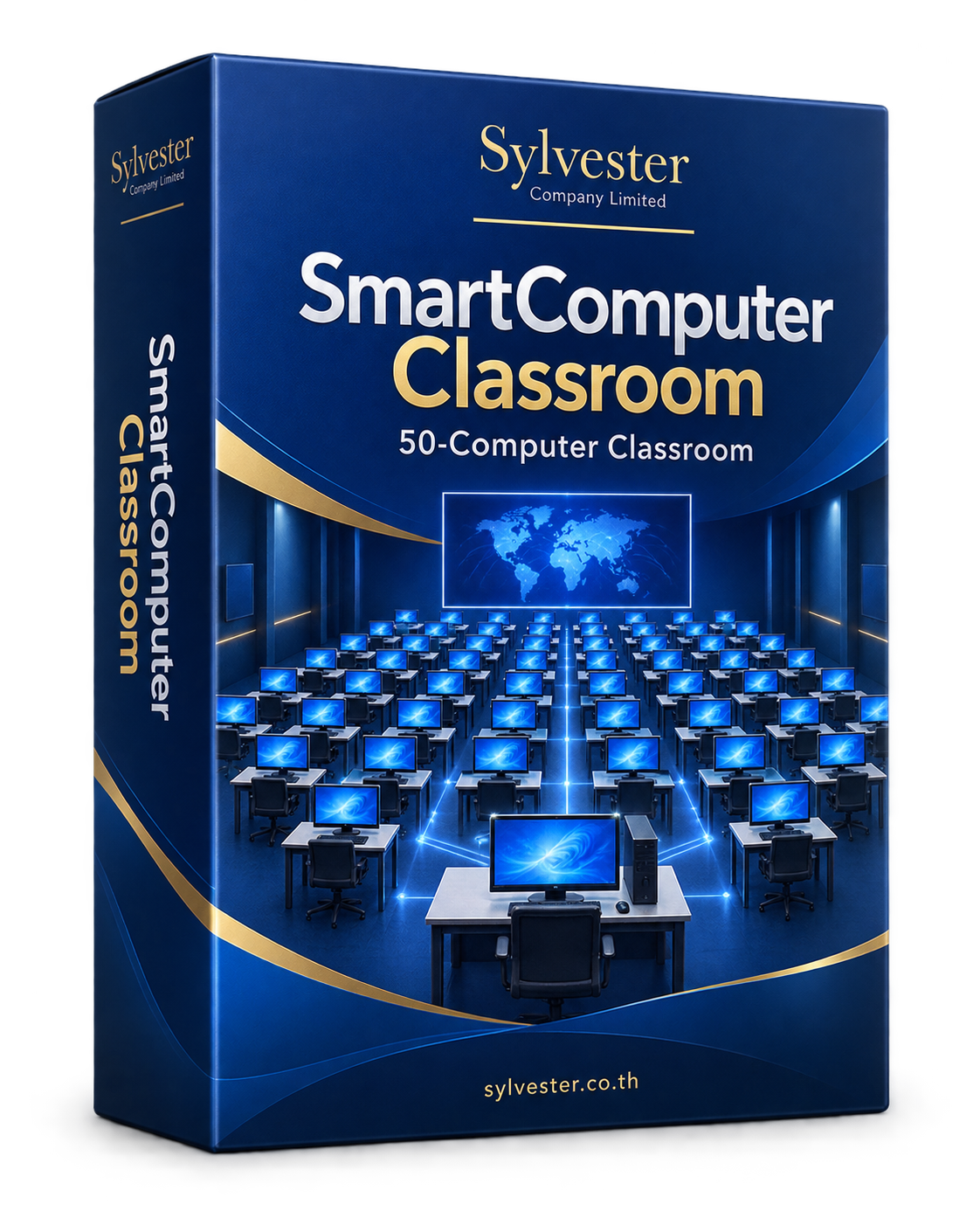
50-computer classroomSmartComputer
SmartComputerClassroom
Monitor the class, share teaching and manage activities from one teacher screen.
Features and application screens ↗Custom software for large organizations, factories and businesses across industries. Ready-made products and practical digital transformation consulting.


We design and develop custom software, offer ready-made software products, and provide systems and digital transformation consulting for large organizations, factories, companies and educational institutions. We begin by understanding your work, then shape a solution around your users and organizational goals.
Choose the application for your work, then explore its features and actual screens.
Monitor the class, share teaching and manage activities from one teacher screen.
Features and application screens ↗
Explore notation, piano practice and music activities for learners and teachers.
Features and application screens ↗
Connect fee invoices, payment records, receipts and accounting reports.
Features and application screens ↗
Manage applications, documents, exam arrangements, seating and admissions reports.
Features and application screens ↗
Follow orders, production, materials, costs and quality checks.
Features and application screens ↗Product package illustrations for Sylvester Company Limited
Choose a product to see its key screens, workflow descriptions and full-size images.
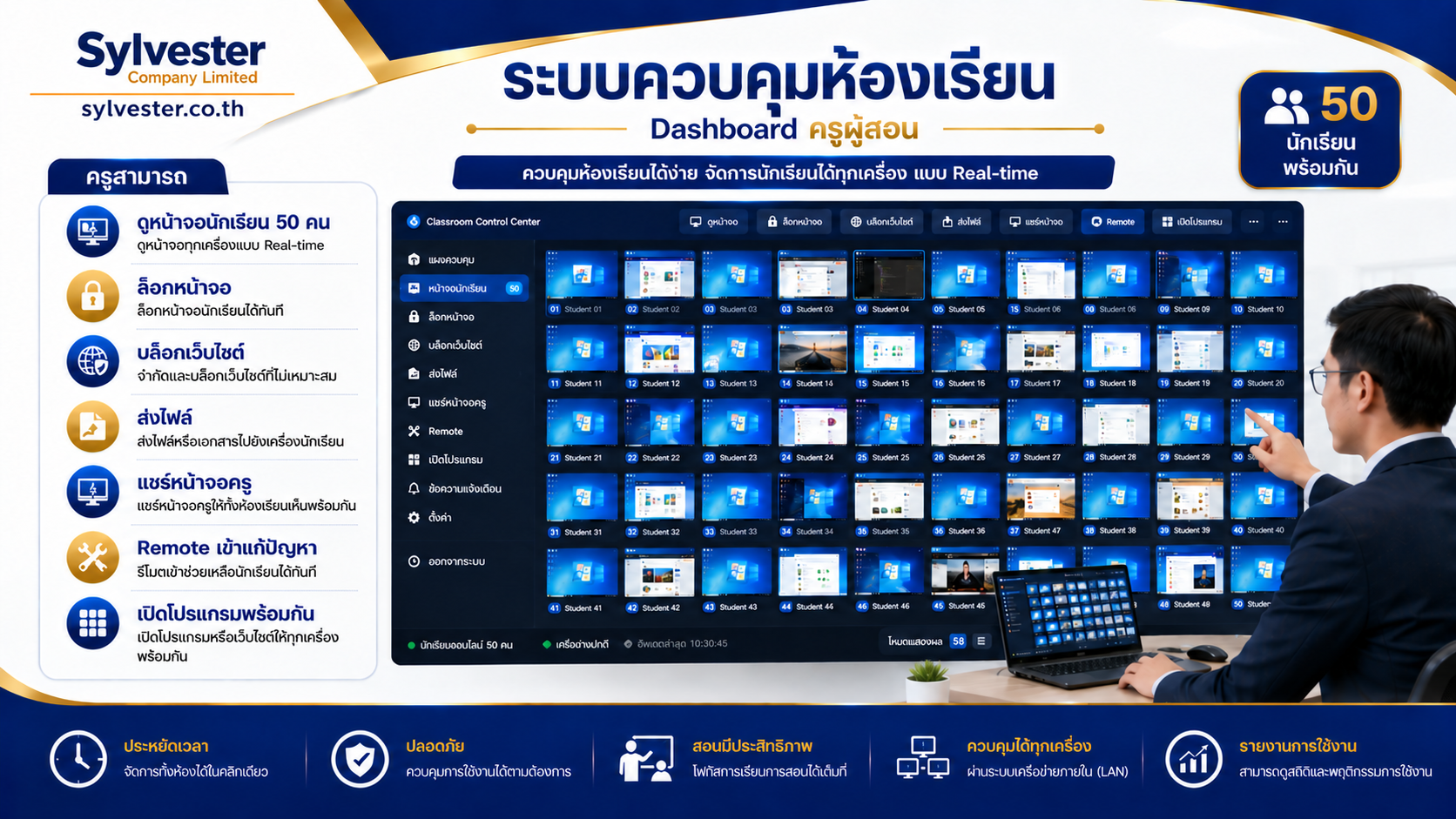
One teacher. A whole classroom of 50 computers.
Explore screens and details →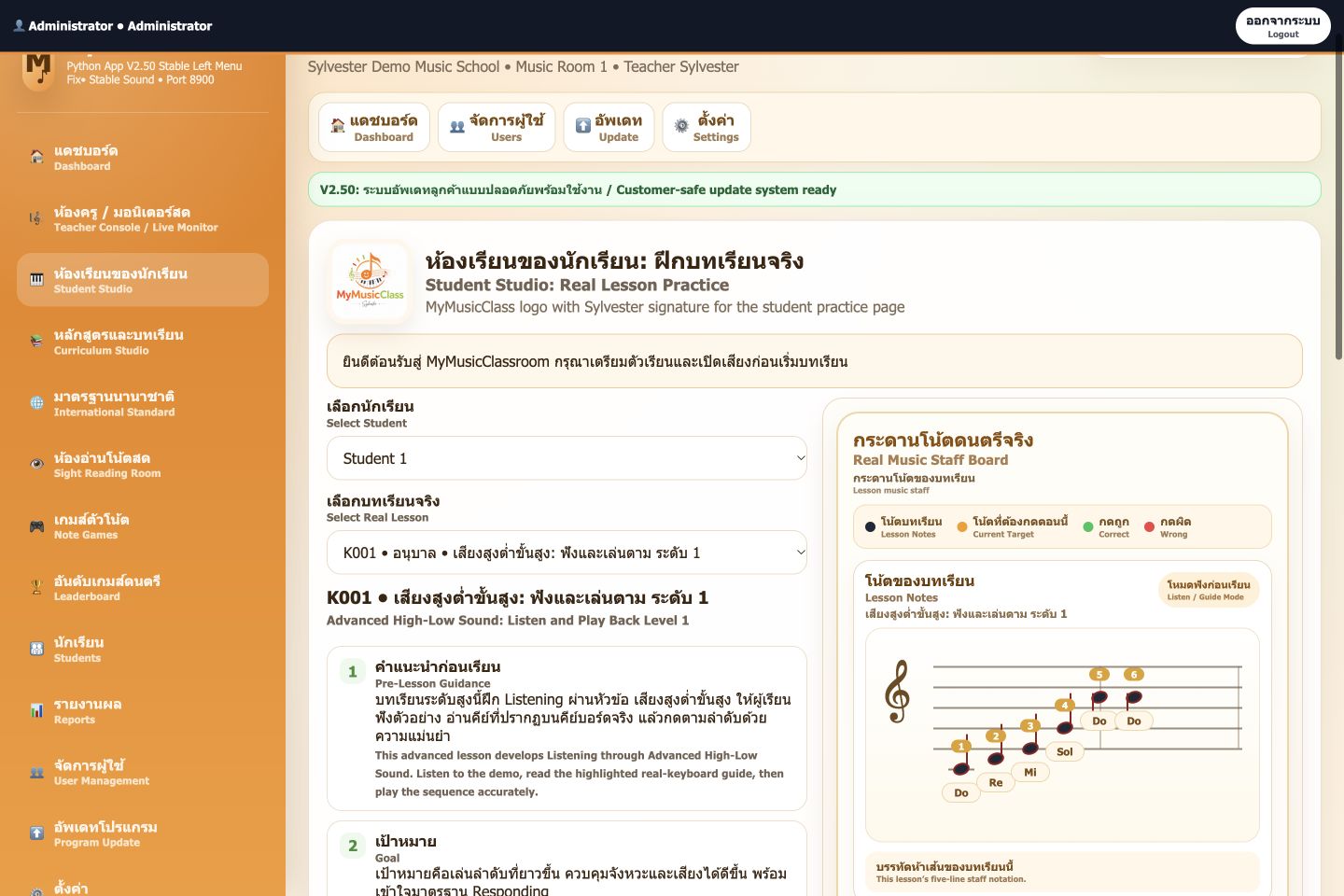
From reading notation to piano practice and classroom teaching
Explore screens and details →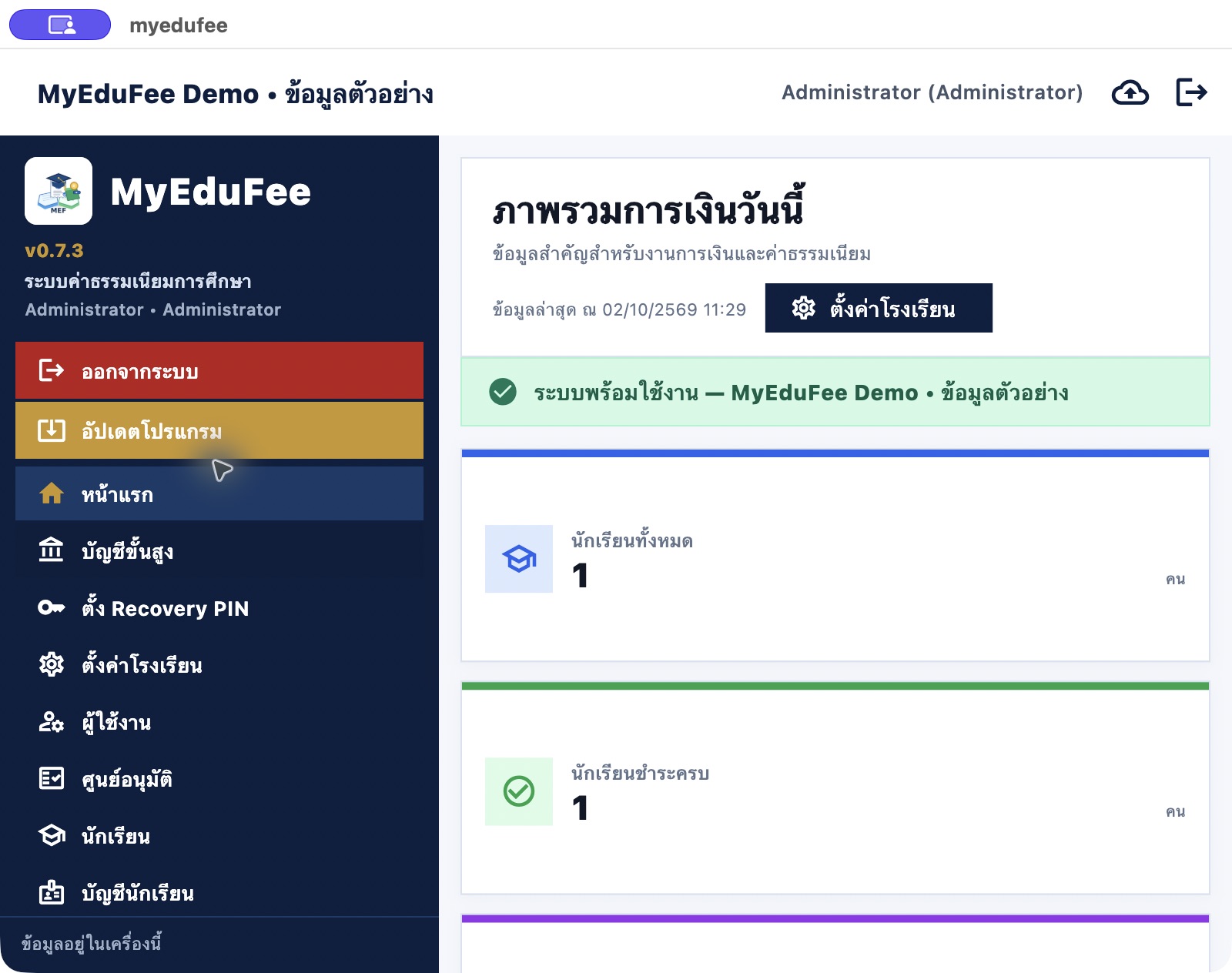

Manage applicants from the school homepage to exam day
Explore screens and details →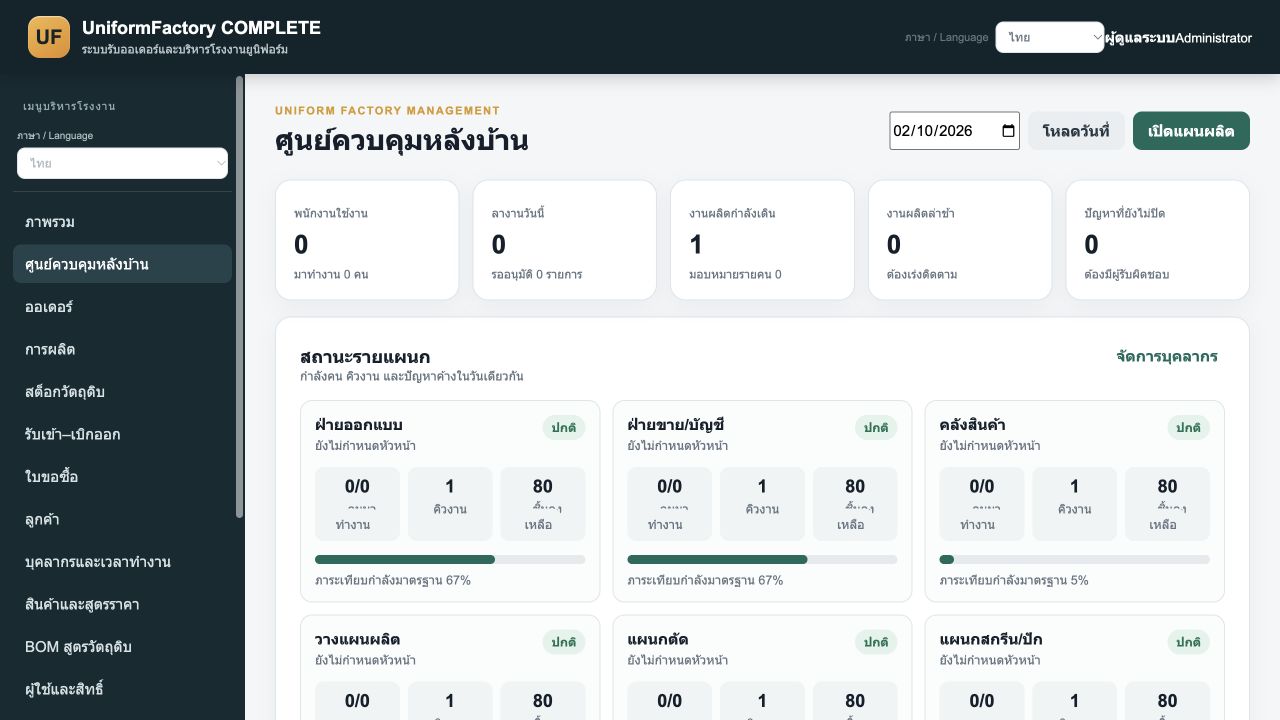
Garment manufacturing and contract production management
Explore screens and details →Explore our specialist products alongside custom development for organizations, factories and businesses across industries.

Software for computer-based learning environments, helping teachers and lab administrators organize classroom use.
Teachers, computer lab administrators and schools

Tools for classroom music learning and individual practice, combining notation, a piano keyboard and practice review.
Music teachers, music schools and individual learners

Software for education fee administration and related information. An independent product selected around your institution’s workflows.
School finance and administrative teams
Independent product • separate from SchoolAdmission

Student admissions software for reviewing applicants, editing details, managing exam information and printing records.
Admission teams, administrative staff and school management
Independent product • separate from MyEduFee
Conceptual illustrations of usage contexts
Available features depend on the product version and agreed scope. Contact us to discuss the right fit for your requirements.
From tailored business systems to ready-made software, we start with the needs of the people who use them.
Develop websites, applications and custom systems for business administration, inventory, production workflows and data integration.
Request a quoteChoose ready-made products according to your workflow and the features they support, with guidance on use and deployment.
Request a quoteReview processes, plan systems and choose a technology approach that fits your organization’s goals.
Request a quoteExamples of custom development scopes to discuss. Each solution is defined around your actual workflows and requirements.
Cross-department workflows, approvals, documents and system integration.
Production planning, job tracking, inventory and management information.
Customer, sales, booking and service workflows with tailored reporting.
Administration systems and learning tools for institutional requirements.
Well-matched software can organize workflows and make information accessible. Useful results begin with understanding your processes and users.
Design workflows around the information teams and managers need.

Start on the factory floor to plan suitable tracking and coordination.
When information is entered into multiple files or passed on manually, a system can define the source record and handover process.
Structured information supports tracking pending work, reviewing progress and preparing reports for decisions.
Clear approval steps, responsibilities and access permissions help teams hand work over consistently.
These examples are starting points for discussing custom systems and defining a scope that fits your organization.
Requests are scattered across chats and email.
Request intake, ownership, approval steps and document history.
Work status is difficult to track across departments.
Production plans, work in progress and reports shaped around factory workflows.
Goods receipts and issues are kept in separate files.
Stock recording, transaction checks and purchase request tracking.
Customer information and follow-ups are held by individuals.
Customer records, follow-up tasks, quotations and service status.
If these problems recur, review the workflows and information you need before selecting software.
First check whether an existing product supports the core workflow. Define custom development when specific processes, integrations or requirements need a different approach.
Begin with an important, clearly scoped process. Trial it with real users and evaluate the results before expanding.
Prepare workflows, sample forms and reports, user numbers, relevant existing systems, goals and your preferred timeframe.
Review the format and quality of existing data, define access by role, and agree backup, migration, verification and handover steps before use.
Tell us about your challenge, idea or goal, and take the first step toward a practical scope.